
Calendar pulls in the bookings and jobs assigned to you. Use it to plan the day and spot conflicts.
Steps
1. Open Calendar
Tap Calendar to view your schedule. Switch day or week views depending on how you plan.
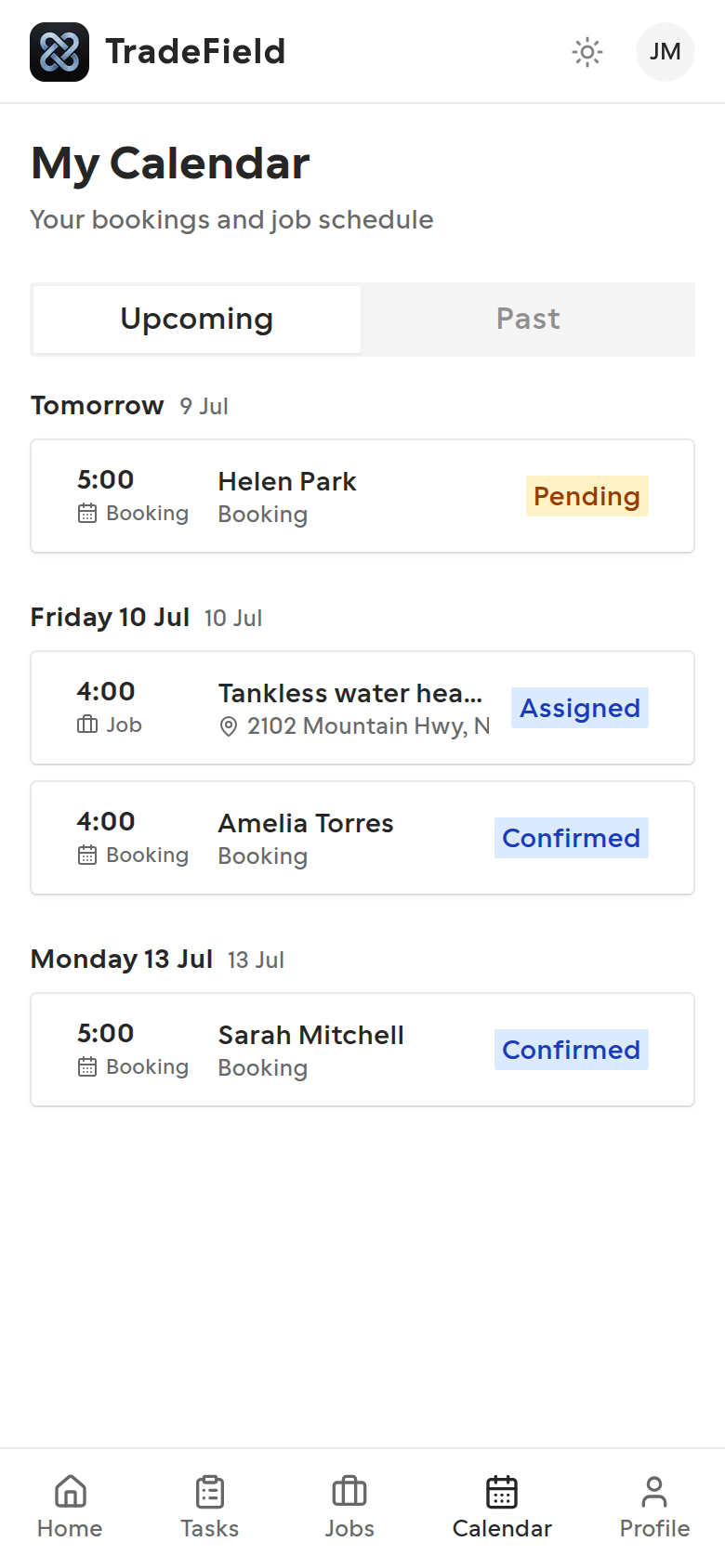
2. Tap an event for details
Select a booking or job on the calendar to jump into more detail or open the related job when one exists.
Tips
- Your weekly working hours can be edited in Profile. Owners and admins can also set or overwrite them from your technician page in the dashboard.
Related guides
Last updated 2026-07-08. Contact support if you need more help.