
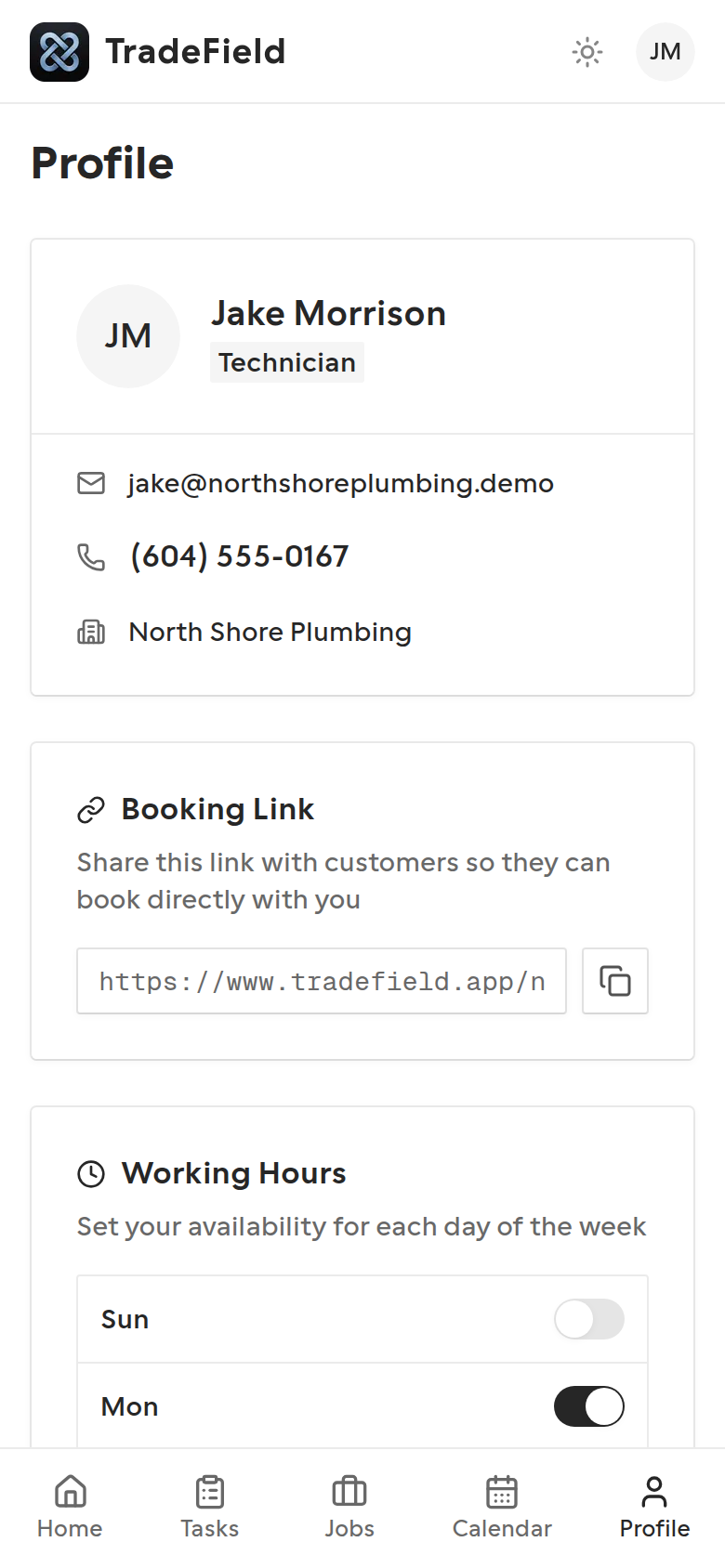
Profile is where you keep personal info current, track licence and certificate expiry, and copy your public booking URL if customers book you directly.
Steps
1. Open Profile
Review your name, email, phone, company, and role. Edit fields your company allows you to change.
2. Manage certificates
Add certificates with expiry dates so the office can see compliance status. TradeField flags expiring and expired credentials.
3. Share your booking link
If you're marked bookable, copy your personal booking URL to send to customers. It opens the company's public booking flow scoped to you.
Tips
- Update certificates before they expire — owners see the same alerts on the dashboard.
- Ask an owner if your booking link is missing; they enable bookable status and can edit weekly hours from the technician detail page.
Related guides
Last updated 2026-07-08. Contact support if you need more help.